Clients & billing
Invite a client to the client portal
Clients see their own hearings and next dates at aoms.pk/client — no password needed.
AOMS Support
1 min read
Open the client's page. The Client portal card (1) is on the right.
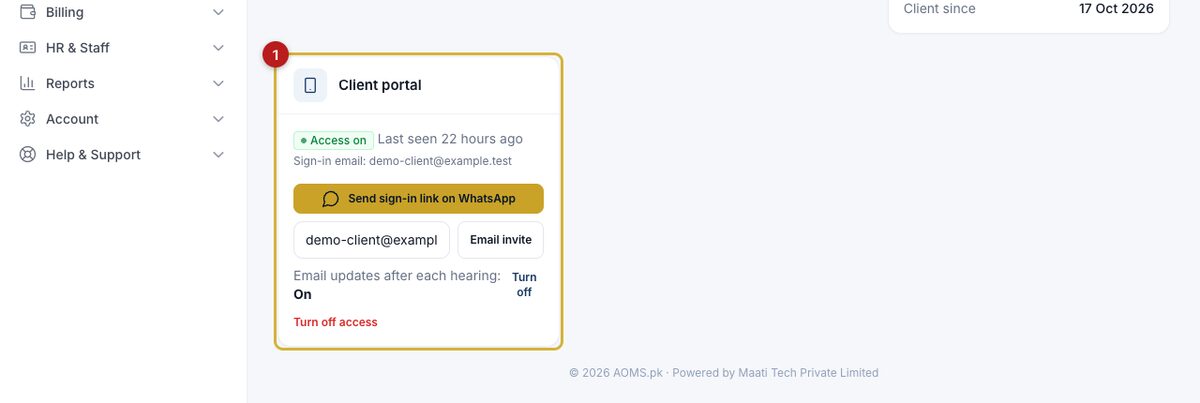
- Click Send sign-in link on WhatsApp. WhatsApp opens with a one-time link; press send. Or type the client's email and click Email invite.
- The link works once and for 7 days. Later the client can sign in with a 6-digit code sent to their email.
What the client sees
- Their own cases, hearings and next dates.
- Proceedings you leave visible when recording an outcome.
- Documents you share (the person icon in the document list) and invoices you have sent.
They never see your private notes or other clients. Turn email updates off, or turn off access, from the same card at any time.
#guide